Watch a wallet address
Track any wallet by pasting its 0x address or ENS name. Read-only, nothing to connect.
Watching is the simplest way to track a wallet. You give Kist an address and it reads what's there from the blockchain. Nothing is connected and nothing can be signed, so it's safe for any wallet: your own, your cold storage, or someone else's.
Open your wallets screen
Tap the wallet button at the top of Kist.
Tap Add wallet, then Watch address
Paste the address or ENS name
Use the wallet's 0x address, or its ENS name (like vitalik.eth). Add a nickname if you like; you can change it later.
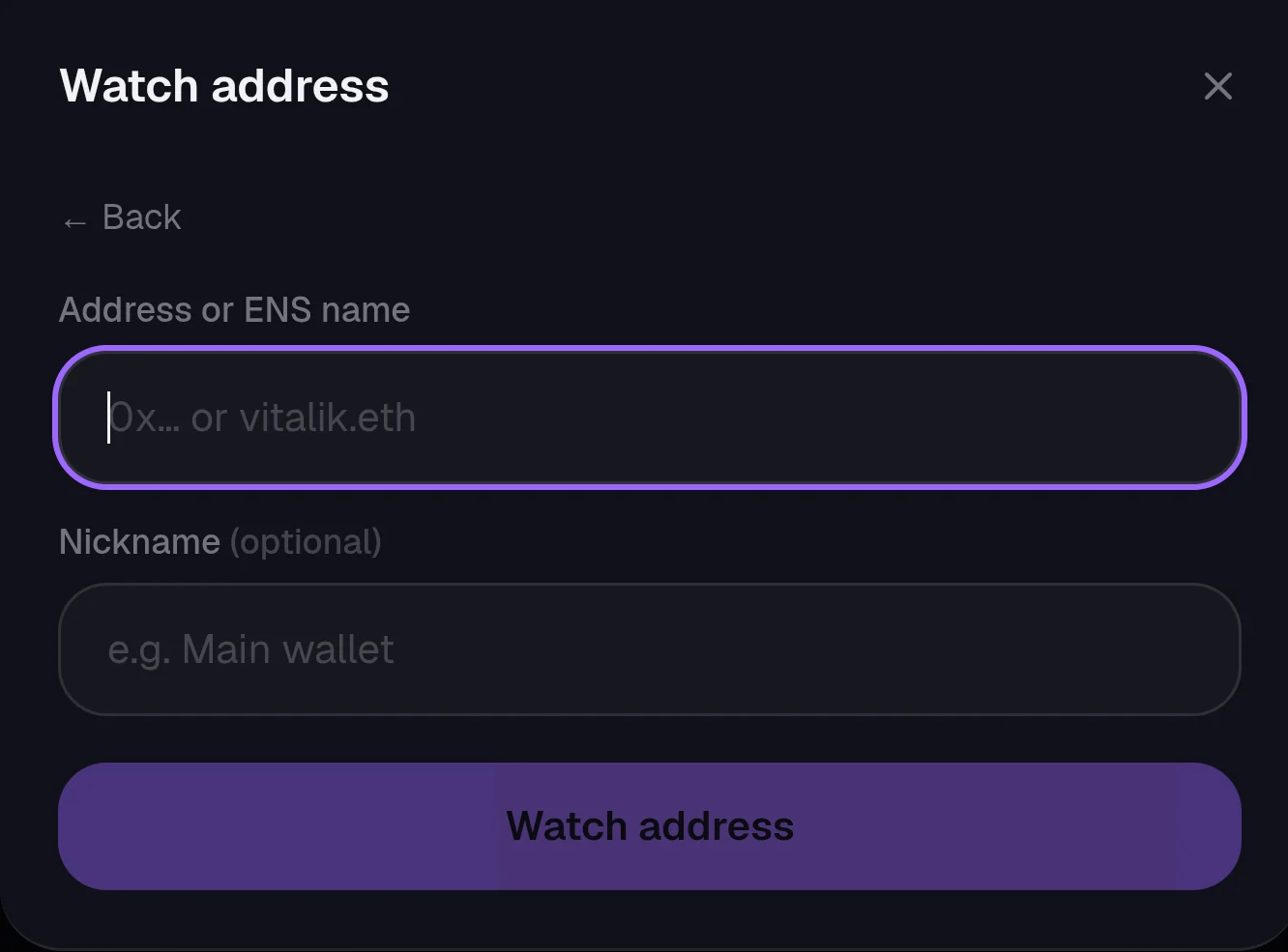
Tap Watch address
The wallet joins your list and its balances, NFTs and token-bound accounts load across every chain. Make sure it's ticked on the wallets screen to count it in your total.
Good to know
- A standard wallet has the same 0x address on every chain Kist supports, so one entry covers all four.
- Watched wallets are marked with an eye icon in your list.
- To swap from a watched wallet you own, connect it. See Connect your wallet.
NextConnect your wallet
Still stuck, or found something broken? Tell Simon on X: @SimpleSimon872