Swap and bridge tokens
Swap tokens or move them between chains from a connected wallet, and check the rate and fees first.
Kist swaps tokens on a chain and bridges them between chains in one step, with routes from Li.Fi. Swaps use a wallet you've connected, and every transaction is approved in your own wallet app.
Open Swap from the bottom bar
Pick the wallet to send from
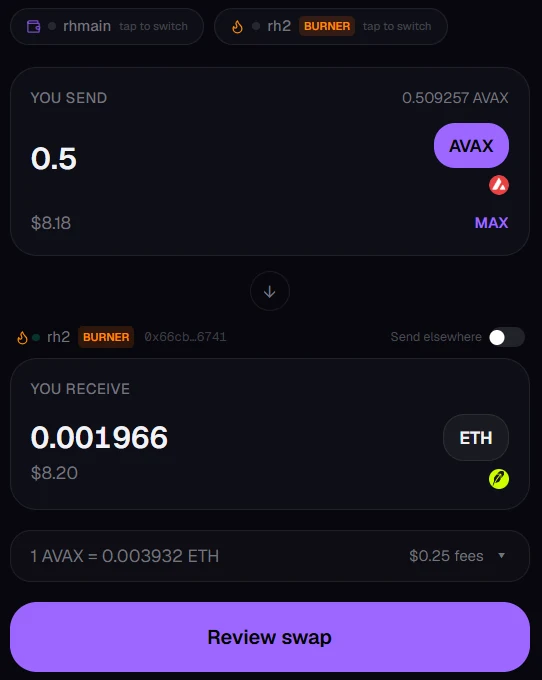
Your connected wallets are shown at the top; tap one to switch. Burners are labelled so you know which you're using.
Choose what you send and what you receive
Pick the token and amount to send (or tap MAX), then the token you want back. If it's on a different chain, that's a bridge, and it still happens in one step.
Check the rate and fees
The line under the amounts shows the rate and total fees; tap it for the details.
Tap Review swap, then approve in your wallet
Some tokens need a one-off permission before they can be swapped, so your wallet may ask you to approve twice.
Track it
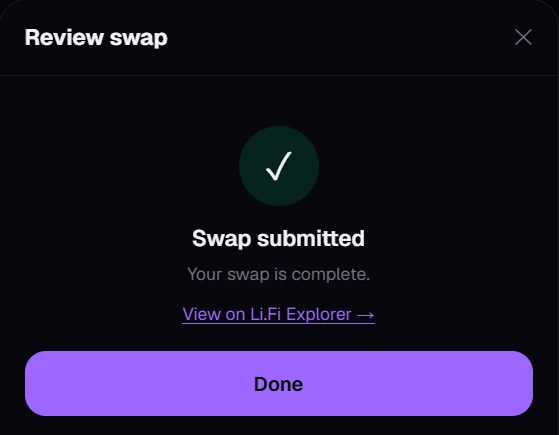
Once submitted, you can follow it on Li.Fi Explorer. Bridges can take a few minutes to arrive.
Sending to a different wallet
Turn on Send elsewhere above the amount you receive to have it arrive at another address, like moving funds out of a burner.
Still stuck, or found something broken? Tell Simon on X: @SimpleSimon872