Connect your wallet
Connect MetaMask or any of 550+ wallets so Kist knows it’s yours and you can swap and bridge.
Connecting tells Kist a wallet is yours. Kist remembers it, marks it with a purple wallet icon, and makes it available for swaps and bridges. You approve every transaction in your own wallet app; Kist never sees your keys.
Open your wallets screen and tap Add wallet
Tap the wallet button at the top of Kist, then Add wallet.
Choose Connect wallet
Give it a nickname, then tap Continue to connect
The nickname is optional and you can rename it later.
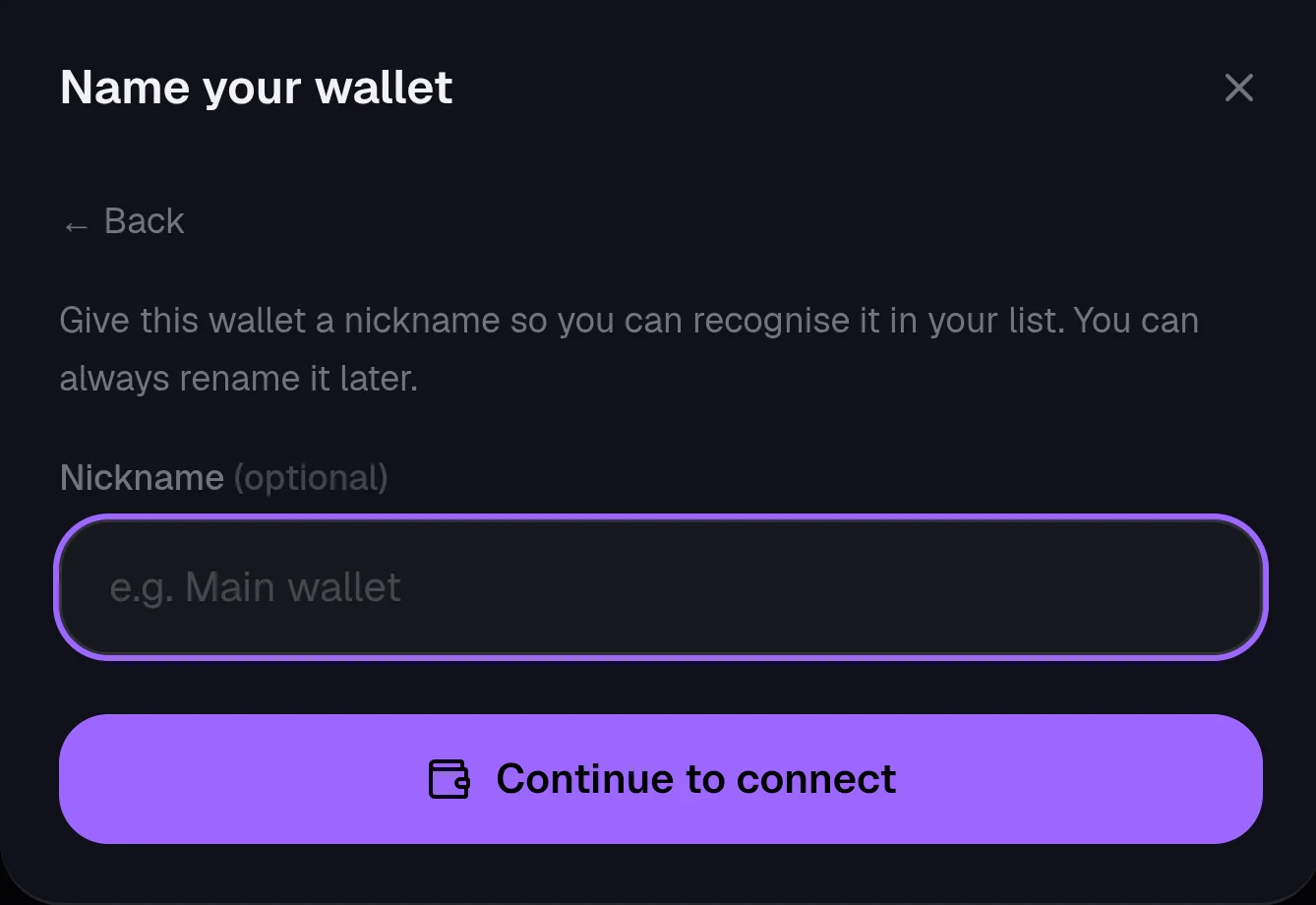
Pick your wallet
MetaMask, Trust Wallet and other popular wallets are listed first. Tap Search Wallet to find any of 550+ others.
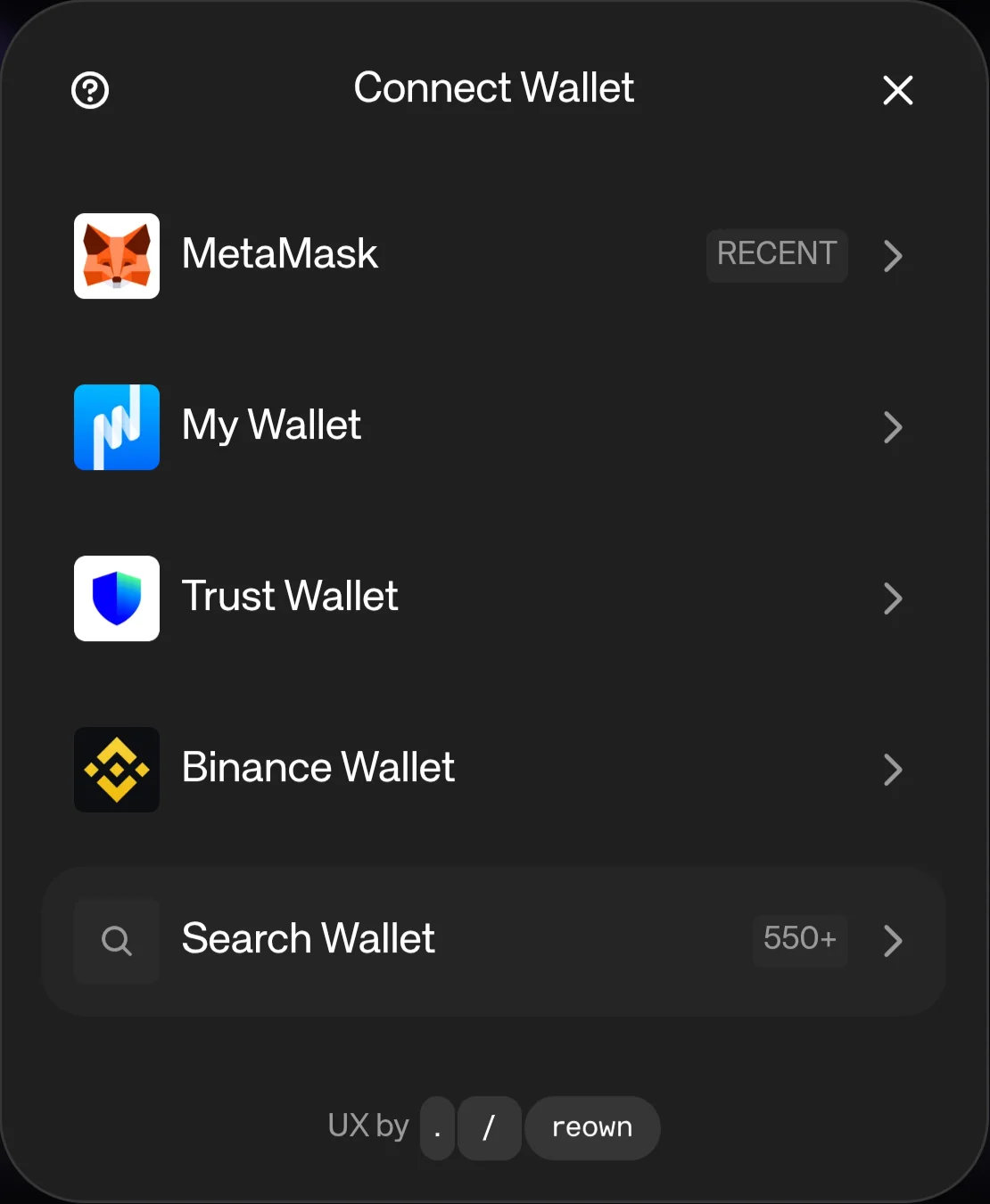
Approve the connection in your wallet
On a phone, tap Open to jump to your wallet app and approve there, then come back to Kist. On a computer, choose your browser extension or scan the code with your phone's wallet.
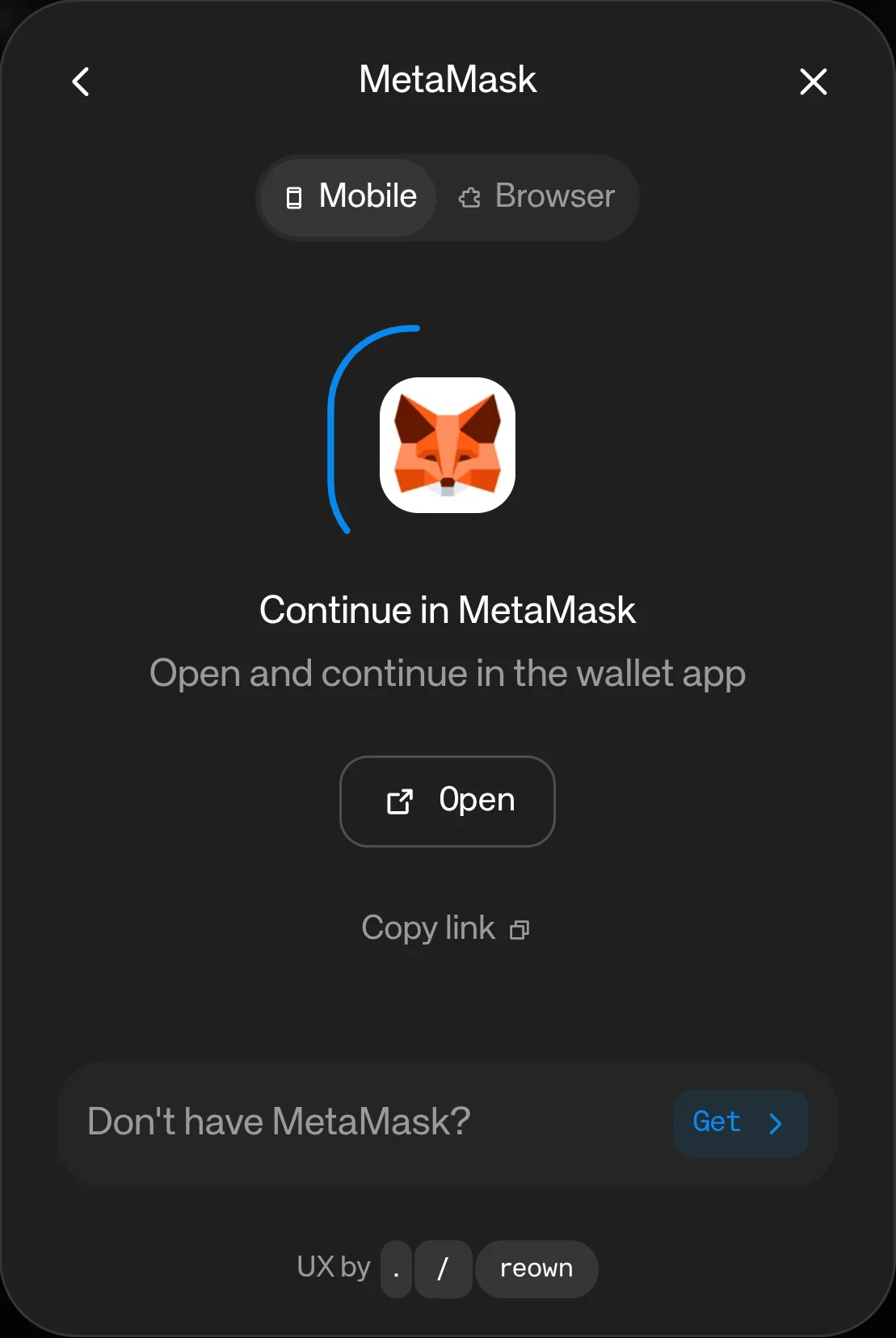
Connected, and reconnecting
- A green mark means the wallet is connected right now.
- Wallets you've connected before keep their purple icon. If one isn't live, tap its reconnect button on the wallets screen.
- A wallet you're only watching has a connect button there instead.
Still stuck, or found something broken? Tell Simon on X: @SimpleSimon872